01
System flow
Incoming reviews move through one managed flow
No scattered channels and no manual handoffs. Reviews pass through intake, drafting, and approval as one connected product process.
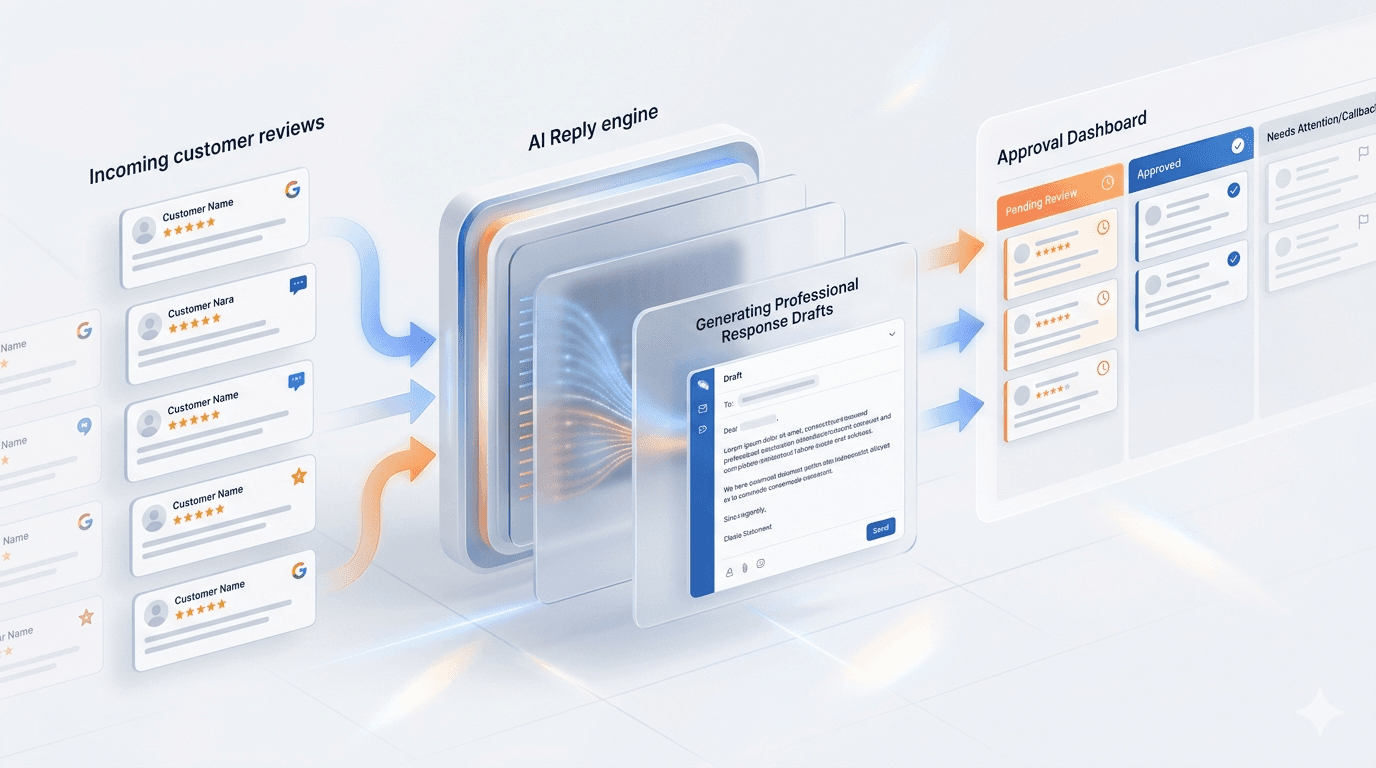
ReviewReplyAPI turns incoming reviews into ready drafts, keeps the tone consistent, and lets your team approve replies before they go out. Start free now, then add the API and dashboard when the workflow becomes recurring.
The team buying the process and the team wiring the API should not read the same message block. Below are two separate entry points into the same product.
If the job is to reply faster, keep the tone consistent, and approve sensitive drafts before they go out, start here. This track is about business outcomes, launch, and operational control.
If the goal is to embed review replies into a backend, CRM, webhook pipeline, n8n, or an agency workflow, enter through the docs. This track is about endpoints, jobs, the approval queue, and API keys.
No scattered channels and no manual handoffs. Reviews pass through intake, drafting, and approval as one connected product process.
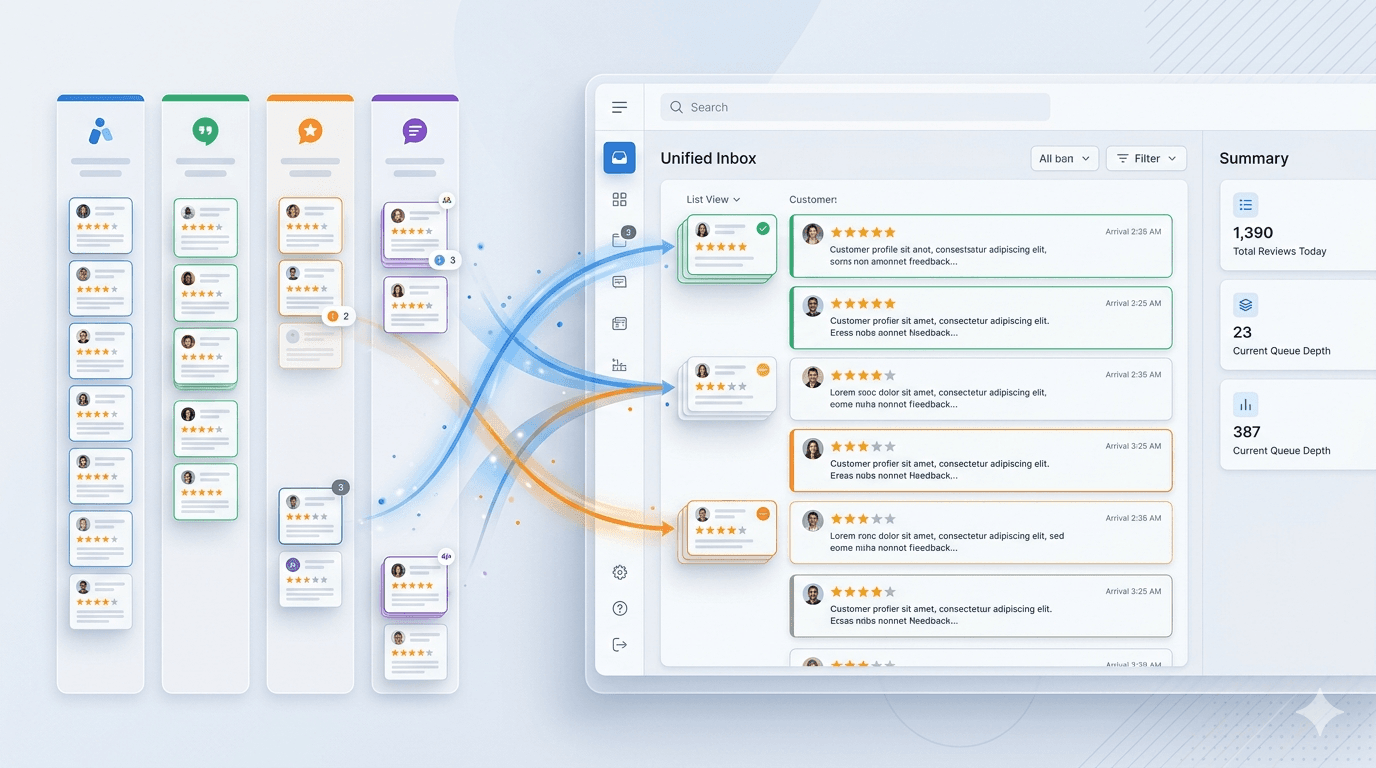
Reviews from multiple sources land in one interface with filters, queue visibility, and clear priorities so the team can work from a single screen.
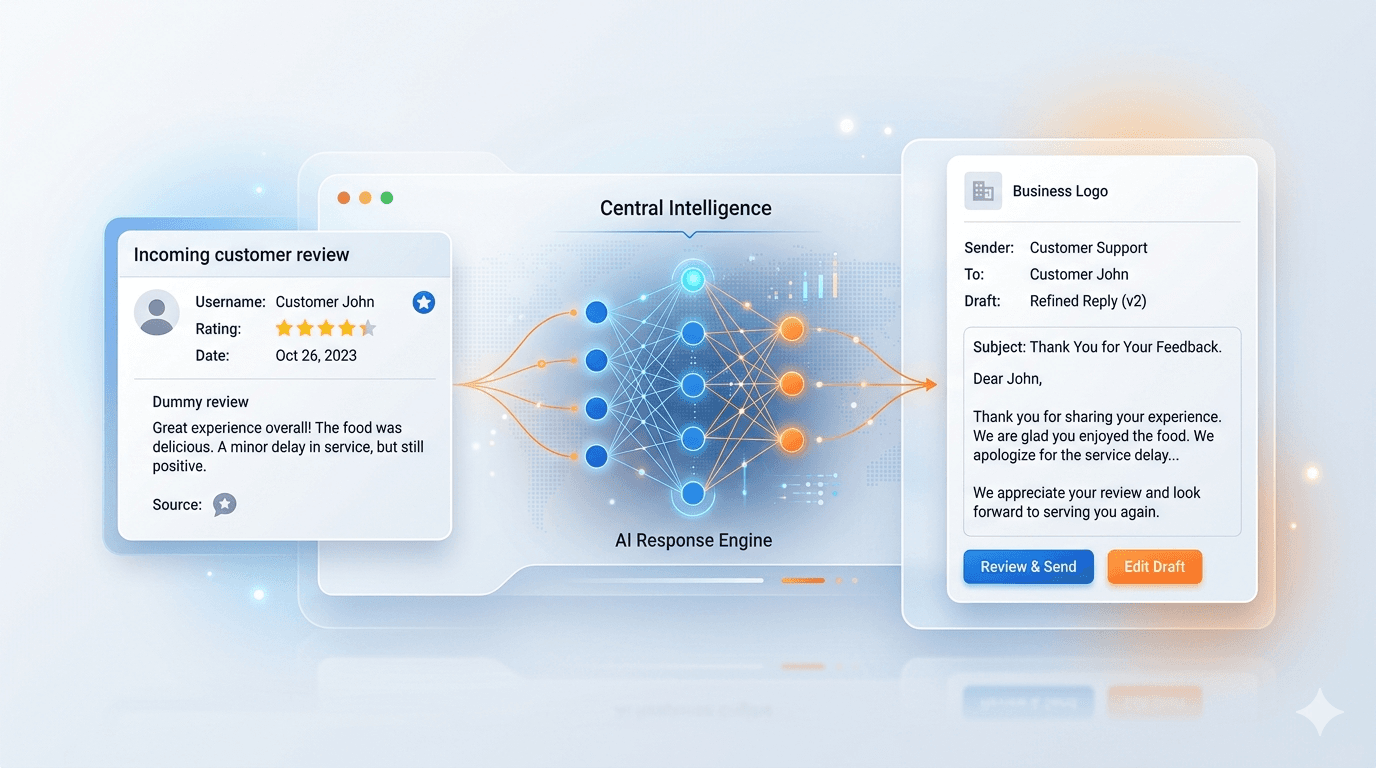
The service takes the incoming review, applies tone and business context, and prepares a draft reply that is ready for review instead of raw model output.
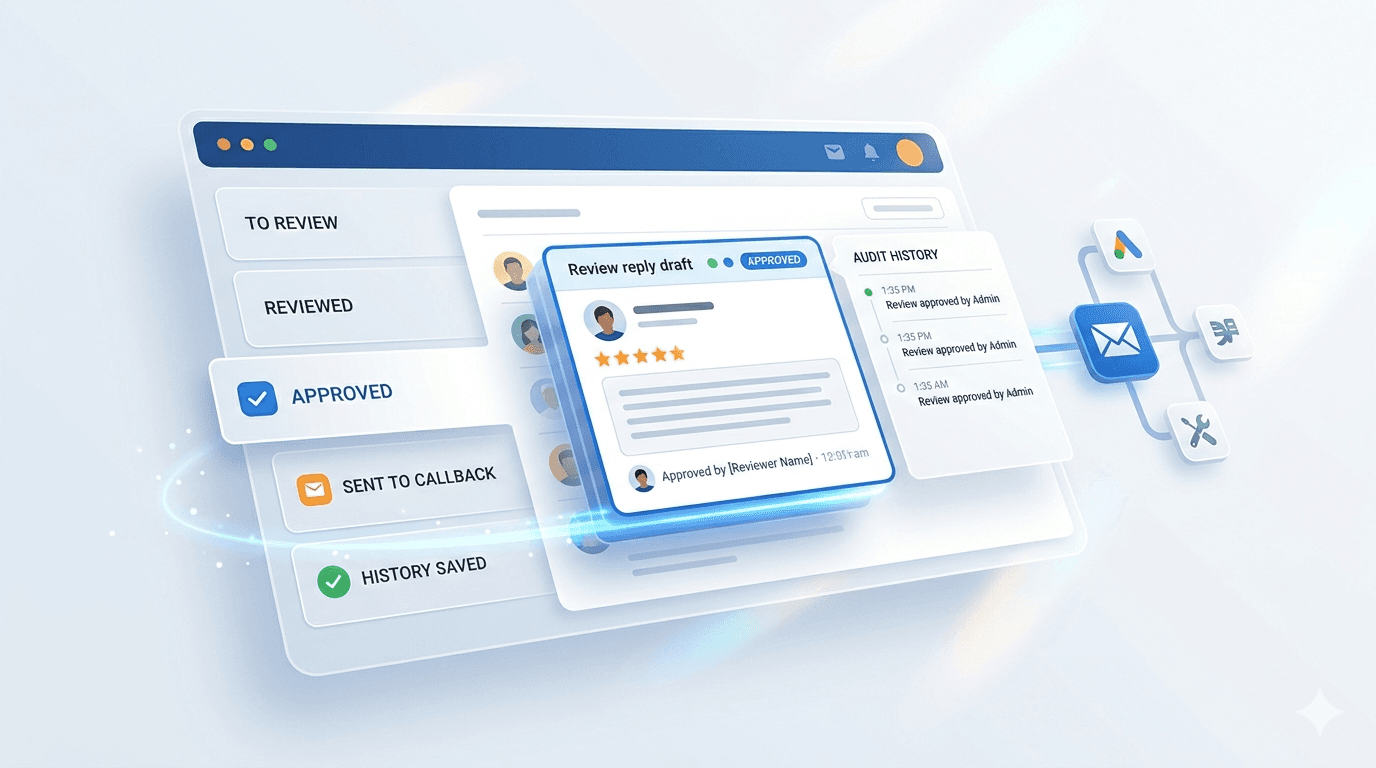
The last step is controlled too. Once approved, the reply is saved in history and sent onward through a callback or your internal process.
Cold traffic does not buy the model. It buys a predictable workflow. This section explains how the product moves from Google review workflows to approved replies without blind auto-posting.
The product does not stop at a single reply box. It collects reviews into one intake, prepares a draft, shows it to the team, and only then lets the reply move into callback, API delivery, or the internal process.
This is no longer just a generator. The product already offers a free start, approval before posting, a clear buyer flow, and a path for teams working with Google Reviews.
AI drafts do not go out automatically. The team sees, edits, and approves the reply first.
Teams can start on the free path, validate reply quality, and only then move into the paid buyer flow.
The product is already shaped for teams working with Google Reviews, multiple locations, and recurring operational flows.
These pages now cover Google review software, automation API, agencies, restaurants, hospitality, clinics, salons, and home services separately, so each visitor lands on the scenario that matches the job they need to solve.
ReviewReplyAPI helps teams answer Google reviews faster through API-driven drafts, approval queues, and dashboard-controlled workflows.
Use ReviewReplyAPI to generate Google review replies through sync and async API flows, approval queues, callbacks, and dashboard-issued API keys.
ReviewReplyAPI gives teams one automation API for drafting, async intake, approval, callbacks, and dashboard-controlled review operations.
ReviewReplyAPI helps agencies manage review-reply workflows across multiple clients with separate keys, approval control, and client-ready operating structure.
Use ReviewReplyAPI to draft restaurant review replies for Google and delivery platforms with approval before publishing or callback delivery.
ReviewReplyAPI helps hotel teams respond to guest reviews with approval, history, and repeatable workflows across multiple properties.
ReviewReplyAPI helps hospitality teams manage guest review replies with approval, repeatable workflows, and cleaner multi-property operations.
ReviewReplyAPI helps clinics and healthcare operators handle patient reviews through approval, safer response workflows, and more controlled operations.
ReviewReplyAPI helps salons and beauty teams respond to reviews faster while keeping tone consistent across managers, owners, and locations.
ReviewReplyAPI helps home service businesses answer customer reviews through clearer workflows, approval for complaints, and repeatable response quality.
Get a fast reply with no queue when you need to return a draft to your backend or CRM immediately.
Queue inbound reviews, process them in batches, and poll status by job id.
Drafts land in the dashboard where your team can edit, approve, or reject them before callback delivery.
Issue separate keys per client, agency account, or workflow without hand-editing env files.
Store approved replies and keep a usable record of what actually moved into production.
Start with manual quality checks and move the same use case into the API once the workflow starts repeating.
Start for free, validate the API on a low-friction plan, and move to Growth when you need a complete workflow with approval and history.
A no-card entry point for manual quality checks, first demos, and validating the product before activating a paid workflow.
A low-friction entry plan for the first live workflow: one workspace, one key, and sync API without a heavy rollout.
The strongest recommended plan: enough volume, approval workflow, and API depth for teams buying the product for real operations.
The anchor plan for agencies and multi-location teams: more volume, more keys, priority rollout, and closer operational support.
This is not another subscription tier. It is a done-for-you launch service: workflow scoping, first integration, test run, and handoff to the client team.
At launch, the strongest trust signal is operational fit. These proof blocks show who the product fits, how approval works, and what the first live rollout usually looks like.
This section uses concrete workflow snapshots instead of fake logos or invented testimonials. As real customers go live, the same structure can be upgraded with named case studies, measured outcomes, and customer-approved quotes.
Use the generator for testing, then move to ingest and approval when the volume becomes recurring.
Separate API keys and client labels keep ownership visible without splitting the team across separate tools.
Operations keep the same approval logic and reply standard even when different locations feed the same workflow.
The product already supports multiple API keys, client labeling, approval ownership, and guided rollout paths.
Teams can keep one queue and one reply standard while still separating locations, clients, and approval responsibility.
As live accounts appear, this layer can grow into named case studies, before/after metrics, and customer-approved quotes without changing the buyer flow.
These are the main trust questions: card required or not, approval before posting, Google workflows, team fit, and the API path.
Start with the manual generator for quick checks, add the API for recurring workflows, and use VIP setup when you want the first integration done for you.